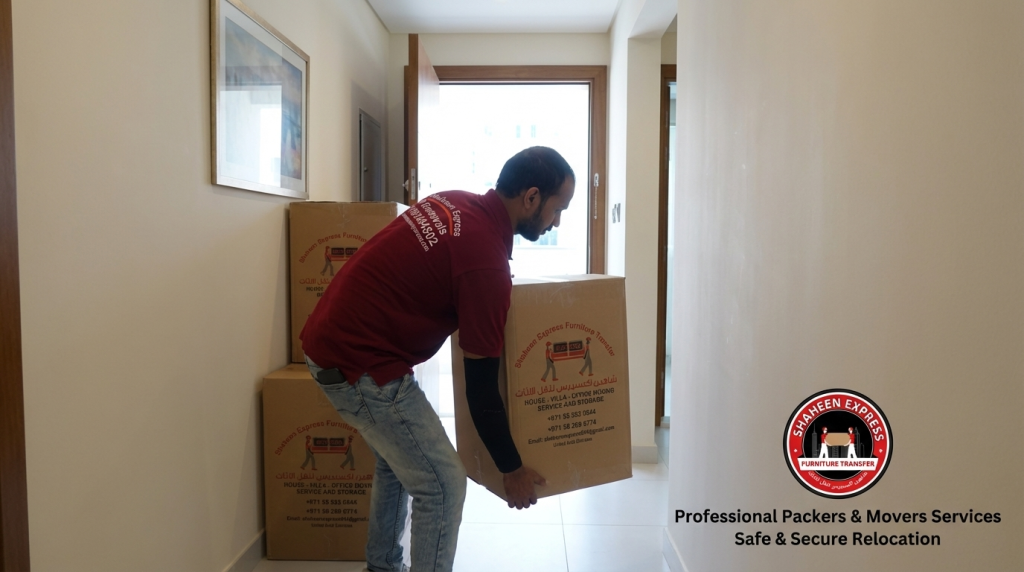
Moving office furniture is far from a trivial task. Your IT infrastructure, including server racks, desktop stations and telecommunications network, is the lifeline of your corporate operations, and it needs careful preparation to ensure that your hardware is not damaged and that your data isn’t lost or that your operations are not disrupted for long periods of time.
No matter you’re conducting an in-house relocation or enlisting the help of a big name office moving company in Abu Dhabi for a full-scale corporate relocate, it’s necessary to take a systematic approach to packing your sensitive electronics. To ensure your important assets are protected, here is a step-by-step technical guide that Shaheen Movers UAE can provide to your IT department and staff.
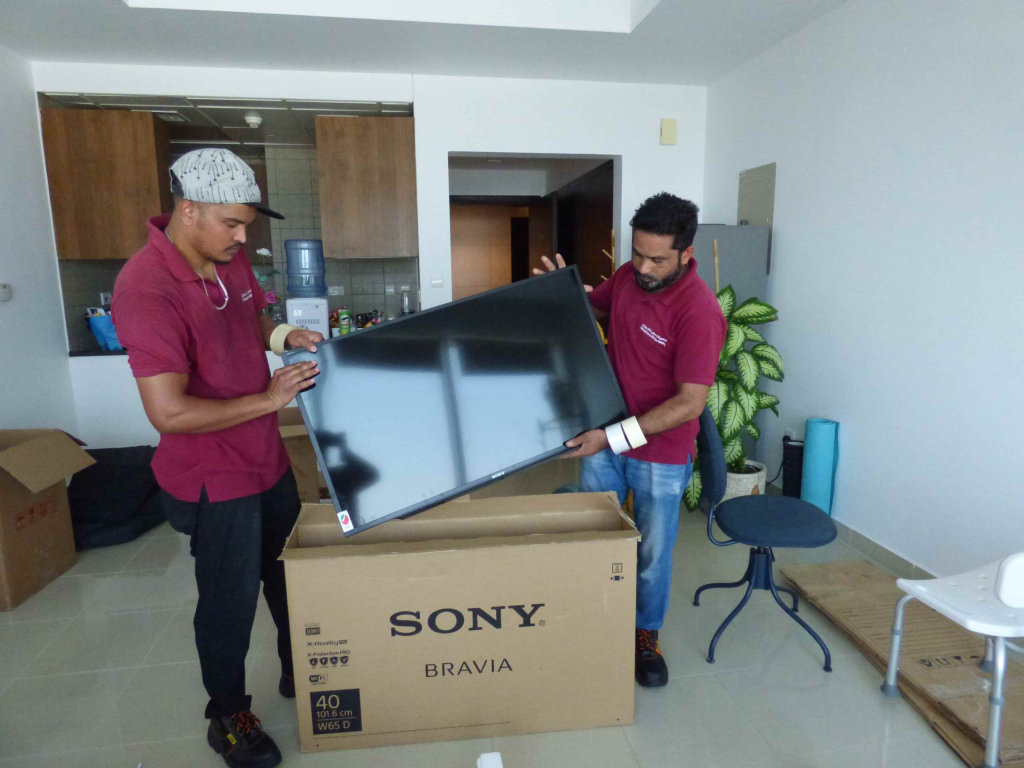
Specialized handling is essential for office IT moves for several reasons.
Sensitive micro-components such as those found in commercial electronics including server blades, multi-function printers, networking switches, and LED monitors are susceptible to shock, static electricity and thermal friction. The typical cardboard packing usually causes misalignment of components or static burnouts.
When you hire professional office movers in Abu Dhabi, you get several advantages to consider:
Anti-Static Protection: Conductive bubble wrap and anti-static polybags help reduce the risk of electrostatic discharge (ESD) damage to sensitive circuit boards.
Custom padding and air-ride, climate controlled suspension trucks help protect hard drives and servers from road vibration.
Fewer Business Downtimes: Structured labelling and staged loading helps your system administrators to redeploy your server network quickly to the new site.
How to Back Up Corporate Data and Do IT Asset Audits before the Move?
An overall digital check prevents data loss when handling the cables physically, before you disconnect one of them.
Digital copies are far more important for the safety of corporate data because if physical devices are disturbed – even in the unlikely event – your data will be 100% safe and recoverable.
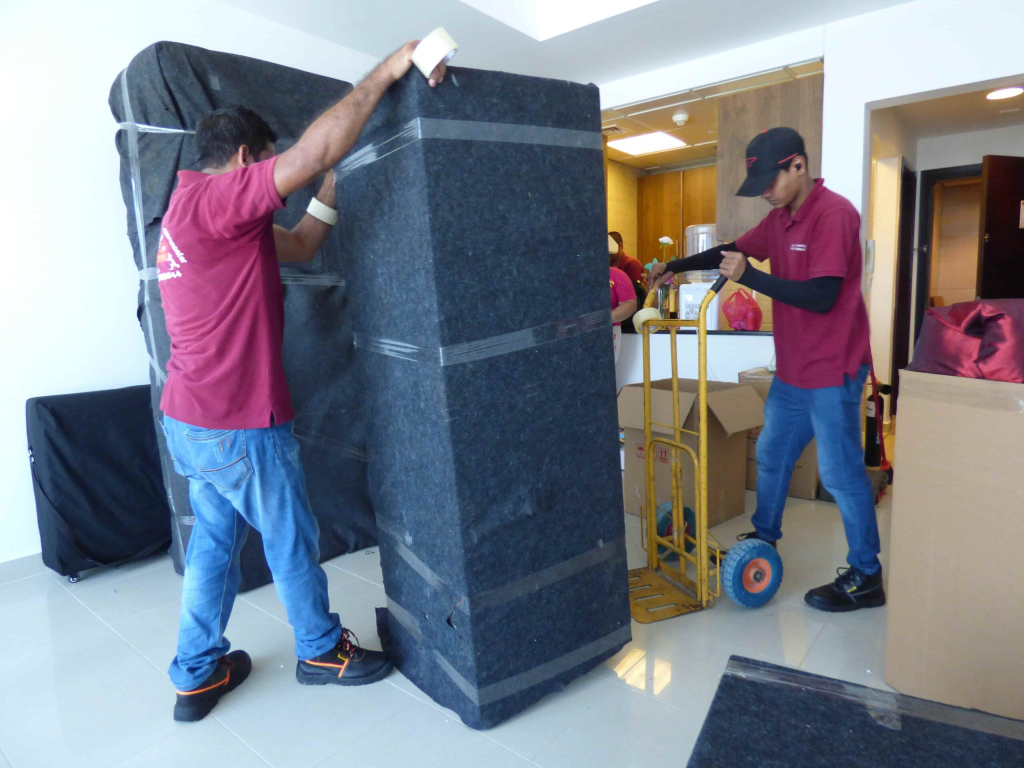
How to Pack Workstations and Monitors Step By Step?
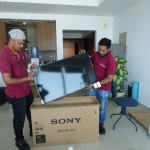
When recruiting office packers and movers, you need to have a standard workstation packing procedure so that everyone’s workstation will arrive in an organized and ready to plug-and-play format.
1. Orderly Disconnection:Step 1: System Power-Down & Decoupling.
Turn off main surge protectors, unplug power units and shut down OS system gracefully. Secure Power cords with color-coded velcro ties to their CPUs.
2. Show Monitor Screen Shielding – Scratch Prevention:Step 2.
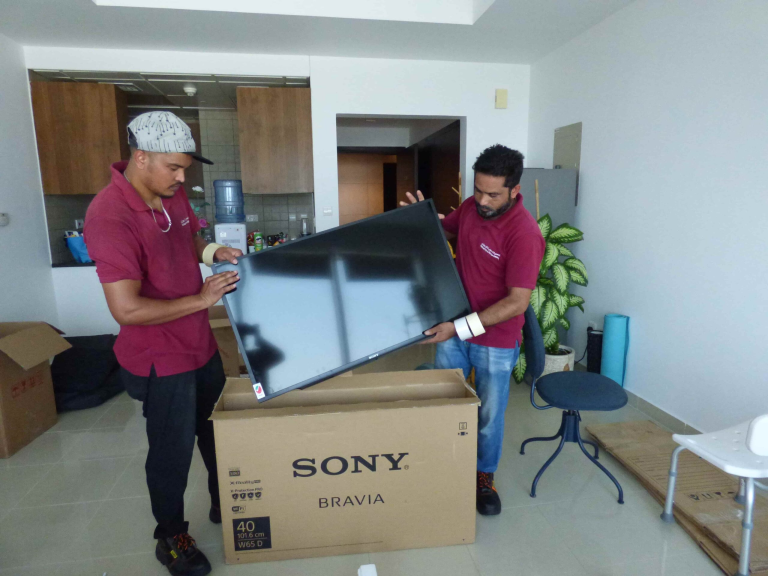
Cover monitor panels with anti-static foam wrap and then bubble wrap. Use corrugated corner protectors on the screen edges prior to stacking monitors vertically in double-walled IT crates.
3. Peripherals Bagging & Labeling:Step3: Accessory Categorization.
Store keyboards, mice, docking stations and webcams in separate anti-static zip bags. Keep these bags in the same workstation box as the CPU.
4. Sealing & Desk Mapping is Station ID Tagging:Step 4.
Reinforce double-walled cardboard boxes with tape and label with destination colors on the floor number, department and workstation ID.

How to Safely Dismantle and Transport Server Racks and Network Equipment?
The server rooms are the very heart of any business. Corporate office moving requires special expertise for moving server chassis, UPS power units, and firewall routers.
Some of the rules for key server relocation are:
Decouple Server Blades: Unrack server units to keep total frame weight low and maintain a flat frame during transport.
Secure Cables and Fiber Optics: Label patch panels and fiber before disconnecting; establishing clear numbering systems for easy re-wiring of the network at the new facility.
Install Custom Server Crates: Use padded timber crates or shock-isolated flight cases designed to handle fragile rack-mount equipment.
What do you have to do to prepare large office printers, copiers, and scanners?
The multi-function copiers and plotters used in the business world have fluid toner cartridges and fragile glass scanning beds that need extra attention when it comes to locking before being transported.
To coordinate with movers office relocation specialists do these pre-move activities:
Remove or Lock Toner Cartridges: Toner (liquid or powder) may leak under tilt or vibration and will cause contamination of internal laser mechanisms.
Engage Built-in Transit Locks on Commercial Flatbeds: Secure Scanner Glass Head’s mounted locks to stop optical carriage movement.
Choose Specialized Office Relocation Movers: Make sure that the company you hire employs heavy duty hydraulic tailgates and stair climbing dollies to move the heavy copy machines without tipping over.

How to Coordinate Cable Management for Quick Post-Move Re-installation?
The one leading cause of post-move IT downtime is scrambled cables. When they are packing, they can use some sort of organized cable management and save a few dozen hours in workspace set up.
Best office movers offer the following effective cable strategies:
Color Coding: Use colored tapes to differentiate various types of cables (Blue for Ethernet, Red for Power, Yellow for DisplayPort).
Ziploc Hardware Bags: Tape bagged power cords to the powering unit of the desktop or printer they are connected to.
Centralized server cabling bins: High-density network patch cable storage in clearly marked bins with bins matching rack panels.
What are the most effective ways to minimize business interruption?
By choosing full service office moving services, you can keep your business going normally during the hardware transfer process without interruptions.
Top office moving companies will provide you with:
After Hours & Weekend Shifts: Performing server downtime activities on weekends and overnight to ensure your team is done Friday and back at work Monday.
Server Rack Carts: Specialized carts designed for moving server racks.
Mounting Arms for Desktops: Specialized desktops moving arms.
Post-Move Workspace Assembly: Prepare all the required hardware and set the monitors on desk arms, and clean up all anti-static debris before your employees get here.
Collaborate with Shaheen Movers UAE for hassle-free office moves.
When relocating valuable office IT systems, you need trusted corporate moving specialists who know the logistics of commercial moving, how to care for hardware and minimize downtime. Shaheen Movers UAE provides a comprehensive corporate relocation package for corporate floors, server rooms and multi-branch commercial spaces in Abu Dhabi, Dubai and throughout the UAE.
Customers rely on the expertise of Shaheen Movers, as we offer them:
Specialized Anti-Static Materials: Industrial-grade ESD wrap, monitor crates and double-wall carton.
Flexible After Hours Operations: Shifting hours that meet your business needs on weekends and after-hours.
Fully Insured & Climate-Controlled Fleets: Hard-body enclosed trucks for protection of electronics from heat and vibration on the road.
Conclusion
Relocating office electronics and other pieces of IT equipment demands careful planning, anti-static packing materials and tight organization of cabling. You’ll make a smooth transition with no hardware damage, little downtime, and a logical backup of critical data by working with commercial movers who know their way around and are experienced in the process.
Are you looking to move to a new office for your company?
Call Shaheen Movers UAE to get a commercial moving quote and to book a site survey today!
Contact Us
- Al Kawakib 3 St – Musaffah – M33 – Abu Dhabi
- +971 55 992 0844
- info@shaheenmoversae.com
- Mon – Sat : 09 am – 06 pm
This is frequently asked questions.
What is the minimum amount of time we should give the IT infrastructure relocation process?
Planning IT relocations for commercial use should be done at least 3-4 weeks before the move itself. This gives time to create the necessary mapping of network infrastructure at the new site, make data backups and schedule downtime windows.
Are anti-static packing materials provided by office moving companies in Abu Dhabi for computers?
Yes, the full-service Office Removal Services in Abu Dhabi, such as Shaheen Movers UAE, offer commercial anti-static bubble wrap, polybags, monitor foam sleeves and double-walled IT crates for electronic components.
Is it better to move 3.0 rackloads of server blades in or out of the server rack?
Never use server blades that are strapped to rack rails and always pack server blades individually in padded server crates. Heavy weight shifts when moving full racks can cause internal mounting rails to bend, structural frames to bend, and internal hardware to be damaged.